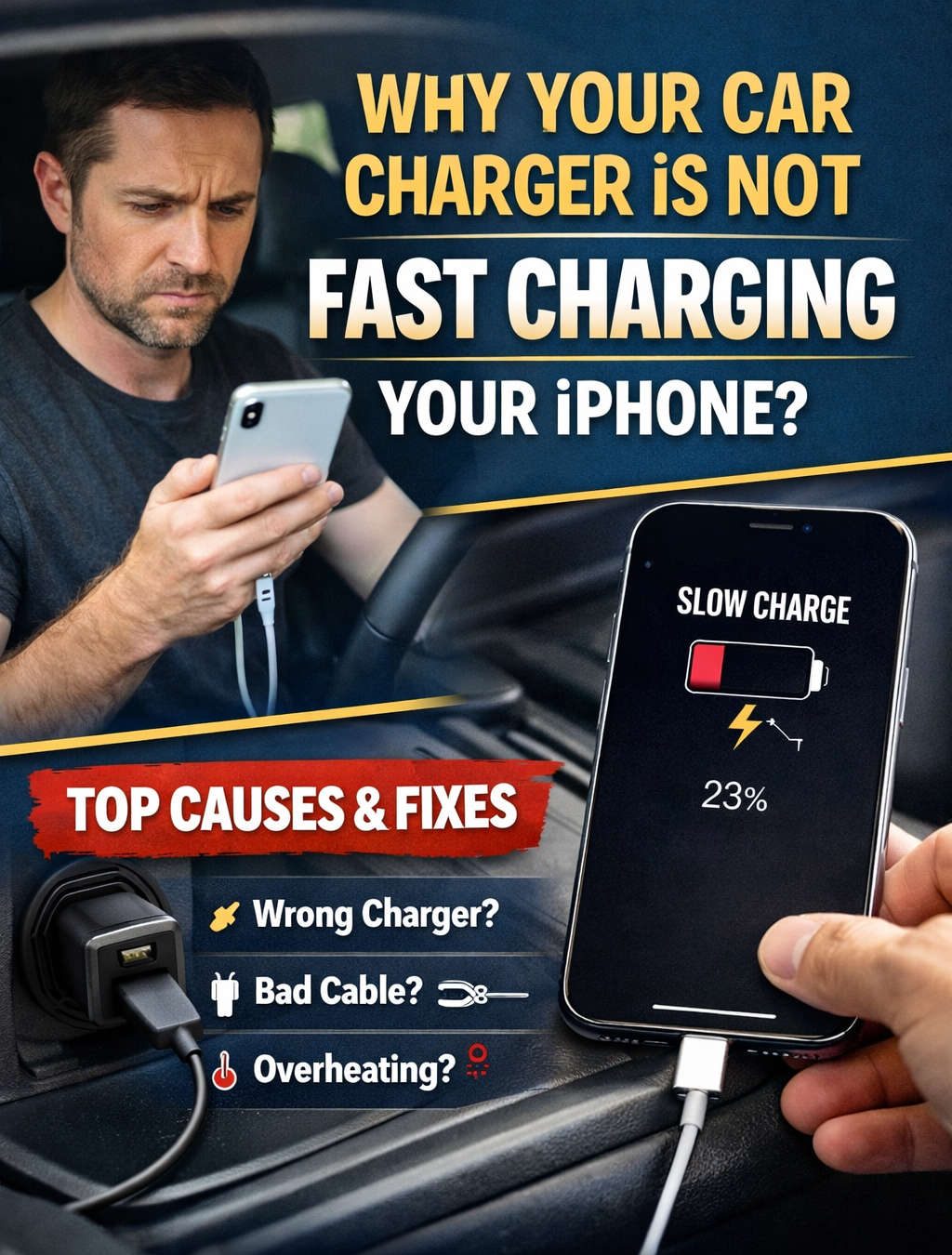
Fast charging is one of those features that sounds simple on paper but becomes frustrating in real life—especially when it does not work the way you expect it to. You plug your iPhone into a car charger, glance at the battery percentage, and after a 20-minute drive, it has barely moved. Naturally, the question comes up: why is your car charger not fast charging your iPhone?
The short answer is that fast charging in a car depends on many variables working together perfectly. The longer, more useful answer is that most car charging setups are missing at least one critical requirement. This guide breaks everything down in a clear, practical, and reader-friendly way so you can finally understand what is happening—and how to fix it.
What “Fast Charging” Actually Means for an iPhone
Before troubleshooting, it helps to understand what fast charging really is, because many people assume any quick increase in battery percentage counts as fast charging. In reality, Apple defines fast charging very specifically.
Fast charging allows compatible iPhones to reach around 50 percent battery in roughly 30 minutes under ideal conditions. However, this only happens during the early part of the charge cycle, usually when the battery is below 50–60 percent. After that, charging slows down intentionally to protect battery health.
Fast charging is not constant. It is dynamic, temperature-controlled, and heavily dependent on the power source and cable being used.
iPhone Models That Support Fast Charging
Not every iPhone supports fast charging. Apple introduced this feature starting with the iPhone 8 and iPhone X. Any model released after that—including the Plus, Pro, and Max versions—supports fast charging when paired with the right accessories.
However, simply owning a compatible iPhone does not guarantee fast charging. The phone will only charge as fast as the weakest component in the setup allows.
Why Car Charging Is More Complicated Than Wall Charging
Many users notice that their iPhone fast charges perfectly at home but slows down dramatically in the car. This difference is not accidental.
Wall chargers typically deliver stable power from a household electrical system. Cars, on the other hand, rely on a 12-volt electrical system originally designed decades ago for basic accessories. Modern electronics place far higher demands on that system.
Inside a moving vehicle, power fluctuates constantly due to engine load, electrical accessories, and driving conditions. This makes fast charging harder to achieve unless the charger is specifically designed for it.
The Most Common Reasons Your Car Charger Is Not Fast Charging Your iPhone
The Charger Does Not Support Apple’s Fast Charging Standard
One of the biggest misconceptions is that any charger labeled “fast charging” will work for an iPhone. In reality, iPhones rely on a specific charging protocol known as USB Power Delivery.
Many car chargers advertise fast charging but only support standards used by Android devices. When an iPhone detects that USB Power Delivery is not available, it defaults to regular charging speeds, no matter how powerful the charger claims to be.
If USB Power Delivery is not explicitly supported, fast charging will not happen.
The Charger’s Wattage Is Too Low
Even with the correct charging standard, wattage still matters. Fast charging requires a minimum power output to work effectively.
Some car chargers technically support USB Power Delivery but cap their output too low to make a noticeable difference. These chargers may deliver slightly faster charging than basic chargers, but not true fast charging.
For consistent fast charging performance, the charger should provide enough headroom to meet the phone’s maximum demand without overheating or throttling.
Using the Wrong Cable Completely Blocks Fast Charging
This is one of the most overlooked issues.
Fast charging on an iPhone requires a USB-C to Lightning cable. A USB-A to Lightning cable, even when plugged into a powerful charger, cannot deliver fast charging speeds. The limitation is built into the cable design itself.
In addition, low-quality or worn cables can restrict power flow, cause intermittent charging, or reduce speed dramatically. A cable may still charge your phone but fail to support higher power levels.
Using a proper, certified cable is just as important as choosing the right charger.
Heat Is Actively Slowing Down Your Charging Speed
Temperature plays a major role in how fast your iPhone can charge. Apple prioritizes battery health and safety over speed, and heat is the fastest way to trigger charging limits.
Cars create heat in multiple ways:
- Direct sunlight through windows
- Warm air trapped inside the cabin
- Heat generated by navigation, streaming, and screen usage
- Wireless charging pads with poor ventilation
When your iPhone gets too warm, fast charging is automatically reduced or disabled. This can happen without any warning, making it seem like your charger suddenly stopped working.
Cooling the phone often restores faster charging immediately.
Your iPhone Is Working Hard While Charging
Fast charging assumes the phone is mostly idle. If you are actively using your iPhone while it is plugged in, much of the incoming power is redirected to keep the phone running rather than charging the battery.
Common power-draining activities include:
- GPS navigation
- Streaming music or podcasts
- Running multiple apps in the background
- Cellular data usage in weak signal areas
- Maximum screen brightness
In these situations, the phone may technically be fast charging, but the battery percentage increases slowly because power consumption is high.
Your Car’s Power Outlet Has Limitations
Not all vehicle power outlets deliver the same performance.
Older vehicles may provide unstable voltage or limit output when the engine is idling. Some cars reduce available power when multiple accessories are in use. Others cut power partially when the engine is off or the vehicle is in accessory mode.
Even the best charger cannot compensate for an inconsistent power source.
Optimized Battery Charging Is Affecting Speed
Apple includes a feature that learns your charging habits and slows charging to extend battery lifespan. While this feature is most noticeable during overnight charging, it can sometimes affect charging behavior in other situations.
If your iPhone believes it will remain plugged in for a long time, it may intentionally reduce charging speed once certain thresholds are reached.
This behavior is normal and designed to protect long-term battery health.
Battery Health Limits Charging Performance
As lithium-ion batteries age, their ability to accept high charging currents decreases. This is a natural process and affects all smartphones over time.
If your iPhone’s battery health has declined significantly, fast charging may be reduced or inconsistent. The phone may also generate more heat during charging, which further limits speed.
Checking battery health provides valuable insight into whether slower charging is hardware-related.
Cheap or Faulty Car Chargers Are Common
Low-cost car chargers often exaggerate their capabilities. Some claim high wattage but cannot sustain it under real-world conditions. Others overheat quickly and reduce output to prevent damage.
Inconsistent charging, slow speeds, and excessive heat are common signs of poor-quality chargers.
Investing in a reliable charger designed for modern smartphones makes a noticeable difference.
How to Tell If Your iPhone Is Actually Fast Charging
Unlike some phones, iPhones do not display a fast charging notification. Instead, you have to judge by results.
Signs fast charging is working:
- Battery percentage climbs rapidly during the first 20–30 minutes
- Charging slows down noticeably after 50–80 percent
- The phone warms slightly but does not overheat
If your battery increases only a few percent during a typical drive, fast charging is not active.
Wireless Car Chargers vs Wired Fast Charging
Wireless car chargers are convenient, but convenience comes at a cost. Wireless charging is inherently less efficient than wired charging and generates more heat.
In a car environment, wireless chargers often struggle to maintain alignment, especially while driving. This leads to slower charging speeds and frequent interruptions.
If fast charging is your priority, a wired USB-C connection is consistently more reliable.
How to Fix Slow iPhone Charging in Your Car
To get the best possible charging performance, follow these practical steps:
- Use a car charger that supports USB Power Delivery.
- Choose a charger with sufficient wattage for your iPhone model.
- Always use a USB-C to Lightning cable.
- Keep your phone cool and out of direct sunlight.
- Reduce active usage while charging when possible.
- Check battery health and software updates.
- Avoid extremely cheap or unbranded chargers.
Most users see immediate improvement after replacing just the charger and cable.
Frequently Asked Questions
Can an iPhone fast charge from a car’s cigarette lighter?
Yes, as long as the charger plugged into it supports USB Power Delivery and sufficient wattage.
Is fast charging in the car safe for my iPhone?
Fast charging produces more heat, but Apple’s charging system manages this automatically. Occasional fast charging in the car is generally safe.
Why does charging slow down after reaching a certain percentage?
This is normal behavior designed to protect the battery. Fast charging is strongest when the battery is low and slows as it fills.
Final Thoughts
If your car charger is not fast charging your iPhone, the issue is almost always related to compatibility, power delivery, or environmental conditions—not a problem with the phone itself.
Understanding how iPhone fast charging works removes much of the confusion. Once you pair a USB Power Delivery car charger with the correct cable, manage heat, and minimize heavy usage during charging, fast charging becomes consistent and reliable.
With the right setup, even a short drive can deliver a meaningful battery boost—and eliminate the frustration of slow, ineffective car charging for good.
Discover more from Auto Volt Tech
Subscribe to get the latest posts sent to your email.

