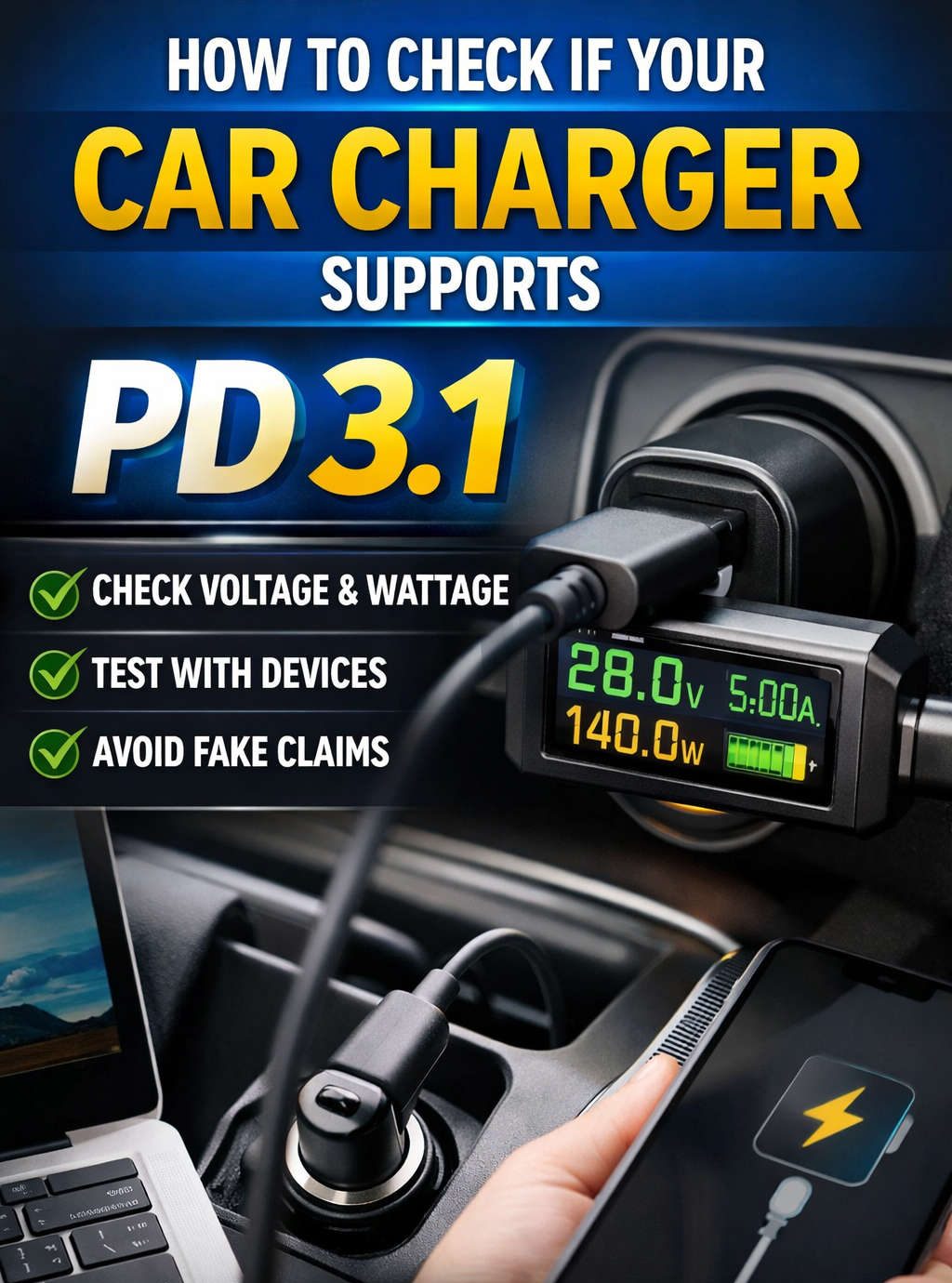
Car chargers have evolved dramatically over the last few years. What once existed mainly to keep phones from dying on long drives has now become a serious power source capable of charging laptops, tablets, cameras, handheld consoles, and other high-power devices. At the center of this evolution is USB Power Delivery, and more specifically, USB Power Delivery 3.1.
If you’ve recently searched for a high-power car charger or noticed confusing labels like “PD,” “PPS,” “100W,” or “140W,” you are not alone. Many people buy chargers assuming they support the latest fast-charging standards, only to discover slower speeds or compatibility issues later. Knowing how to check if a car charger supports PD 3.1 can save you money, protect your devices, and ensure you get the charging performance you expect.
This guide explains everything clearly, without technical overload, and walks you through practical ways to confirm PD 3.1 support with confidence.
What USB Power Delivery Really Is (And What It Is Not)
USB Power Delivery, often shortened to USB PD, is a charging protocol that allows devices and chargers to communicate with each other. Instead of blindly pushing power, the charger and device negotiate how much voltage and current are safe and efficient.
This negotiation is what allows:
- Faster charging
- Higher wattage
- Safer power delivery
- Compatibility across many devices
One important thing to understand early is that USB-C is not the same as USB PD. USB-C is just the connector shape. A USB-C port can exist without Power Delivery support, and Power Delivery can behave very differently depending on its version.
How PD 3.1 Is Different From Older PD Versions
USB Power Delivery has gone through multiple updates, but PD 3.1 represents a major leap forward rather than a small refinement.
Earlier versions of PD were already impressive:
- They allowed charging up to 100 watts
- They supported laptops, tablets, and phones
- They enabled smarter charging negotiation
PD 3.1 expanded the power ceiling even further by introducing Extended Power Range, often abbreviated as EPR.
With PD 3.1:
- Voltage can go beyond 20V
- Power delivery can reach up to 140W
- High-performance laptops can charge at full speed
- Charging efficiency improves for demanding devices
This is especially important in cars, where power conversion already involves stepping up voltage from the vehicle’s electrical system.
Why PD 3.1 Support in a Car Charger Is Not Automatic
Many people assume that because a wall charger supports PD 3.1, a car charger will too. That assumption often leads to disappointment.
Car chargers face unique challenges:
- Limited input voltage from the car
- Heat management constraints
- Smaller physical size
- Varying power availability depending on vehicle
Because of this, not all car chargers implement PD 3.1, even if they advertise high wattage. Some stop at PD 3.0, while others rely on proprietary fast-charging standards instead of true PD 3.1 compliance.
This makes verification essential.
The First Place to Check: The Physical Label on the Charger
The most direct way to determine PD 3.1 support is by carefully reading the charger’s printed specifications. These are usually etched or printed on the body of the charger or included on the packaging.
What to Look for in Voltage Listings
PD 3.1 chargers typically list voltage levels beyond 20V. If you see:
- 28V
- 36V
- 48V
that is a strong indicator of PD 3.1 support.
If the highest voltage listed is 20V, even at 5A, the charger is likely capped at PD 3.0 levels.
Understanding Wattage Claims
Wattage alone can be misleading. A charger advertising “140W” is likely PD 3.1 capable, but you still need confirmation through voltage support. True PD 3.1 chargers combine higher wattage with higher voltage profiles.
PD and PPS Labels
Some chargers include markings such as:
- PD
- PD 3.1
- PPS
- EPR
While “PD” alone does not confirm PD 3.1, references to EPR or explicit PD 3.1 wording are strong indicators.
Reading Manufacturer Descriptions Without Falling for Marketing Language
Product descriptions can be confusing because marketing terms are often used loosely. Words like “super fast,” “laptop charging,” or “high power” do not guarantee PD 3.1 support.
Phrases That Usually Indicate PD 3.1
- Extended Power Range
- USB PD 3.1
- Up to 140W output
- Supports 28V or higher output
Phrases That Do Not Guarantee PD 3.1
- Fast charging
- USB-C fast charge
- Laptop compatible
- Power Delivery (without version)
Always look for specific electrical output details, not just claims.
Why Output Port Behavior Matters
Some car chargers include multiple USB-C ports, but not all ports behave the same way. One port may support higher power levels while another is limited.
A true PD 3.1 charger will usually:
- Clearly specify which port supports EPR
- Reduce power when multiple ports are in use
- Provide stable negotiation even under load
If a charger does not specify per-port behavior, that’s a sign to dig deeper.
Using a USB-C Power Meter to Confirm PD 3.1 Support
When labels and descriptions are unclear, real-world testing becomes the most reliable method.
A USB-C power meter allows you to see:
- Voltage levels
- Current draw
- Negotiated power
- Charging protocol indicators
How to Perform a Simple Test
- Plug the car charger into the vehicle
- Insert the USB-C power meter
- Connect a PD 3.1-capable device
- Observe voltage and power readings
What Confirms PD 3.1
- Voltage readings above 20V
- Power draw exceeding 100W
- Stable output under load
If the charger never exceeds 20V, it is not operating in PD 3.1 mode.
Device Compatibility: Why Your Charger Might Be PD 3.1 but Still Look Slow
Even if your charger supports PD 3.1, you may not see higher power unless the connected device requests it.
PD 3.1 requires both sides to support:
- Extended Power Range
- Correct negotiation profiles
- Compatible cables rated for higher current
If your device only supports PD 3.0, the charger will safely fall back to lower power modes.
The Role of USB-C Cables in PD 3.1 Verification
Cables matter more than many people realize.
To support PD 3.1:
- The cable must be rated for high current
- It must support EPR
- It must include proper electronic markers
Using a lower-rated cable can limit power delivery and make a PD 3.1 charger appear underpowered.
If you suspect your charger does not support PD 3.1, always test with a known high-quality cable.
Common Misunderstandings That Lead to Wrong Conclusions
“My Phone Charges Fast, So It Must Be PD 3.1”
Phones rarely use PD 3.1 power levels. Fast phone charging does not confirm PD 3.1 support.
“It Says 100W, So It’s the Latest Version”
100W chargers usually fall under PD 3.0. PD 3.1 goes beyond that threshold.
“USB-C Automatically Means Power Delivery”
USB-C without PD is very common, especially in cheaper car chargers.
How to Identify Fake or Exaggerated PD Claims
Some low-quality chargers exaggerate their capabilities.
Red flags include:
- Missing voltage details
- Unrealistically high wattage claims without explanation
- No mention of PD version anywhere
- Poor heat management or unstable charging
Genuine PD 3.1 chargers tend to come from manufacturers that publish clear specifications and testing information.
Safety Considerations When Using High-Power Car Chargers
High-power charging inside a vehicle generates heat and draws significant current. PD 3.1 chargers must include:
- Over-current protection
- Temperature monitoring
- Proper voltage regulation
Using a poorly designed charger can:
- Damage devices
- Stress the car’s electrical system
- Reduce charging efficiency
Verifying PD 3.1 support is not just about speed—it’s also about safety.
Real-World Scenarios Where PD 3.1 Makes a Difference
Charging a Laptop on Long Drives
PD 3.1 allows laptops to maintain charge even under heavy use, making it ideal for work trips or digital nomads.
Powering Creative Equipment
Cameras, drones, and portable monitors benefit from stable high-power output.
Future-Proofing Your Setup
As more devices adopt PD 3.1, having a compatible charger ensures long-term usefulness.
What to Do If the Charger Does Not Clearly Support PD 3.1
If you cannot confirm PD 3.1 support:
- Contact the manufacturer directly
- Ask for detailed electrical specifications
- Look for user-reported testing results
- Consider returning the charger if it fails to meet expectations
Transparency is a sign of quality.
Final Thoughts: How to Confidently Check PD 3.1 Support
To confidently determine whether a car charger supports PD 3.1:
- Examine voltage listings for outputs above 20V
- Look for explicit PD 3.1 or EPR mentions
- Verify wattage beyond 100W
- Test with a power meter and compatible device
- Use certified high-current USB-C cables
- Avoid relying on marketing language alone
PD 3.1 represents the future of fast charging, especially in vehicles where reliable power matters most. By knowing exactly what to look for and how to test it, you can make informed decisions, avoid disappointment, and get the most from your charging setup.
Discover more from Auto Volt Tech
Subscribe to get the latest posts sent to your email.

