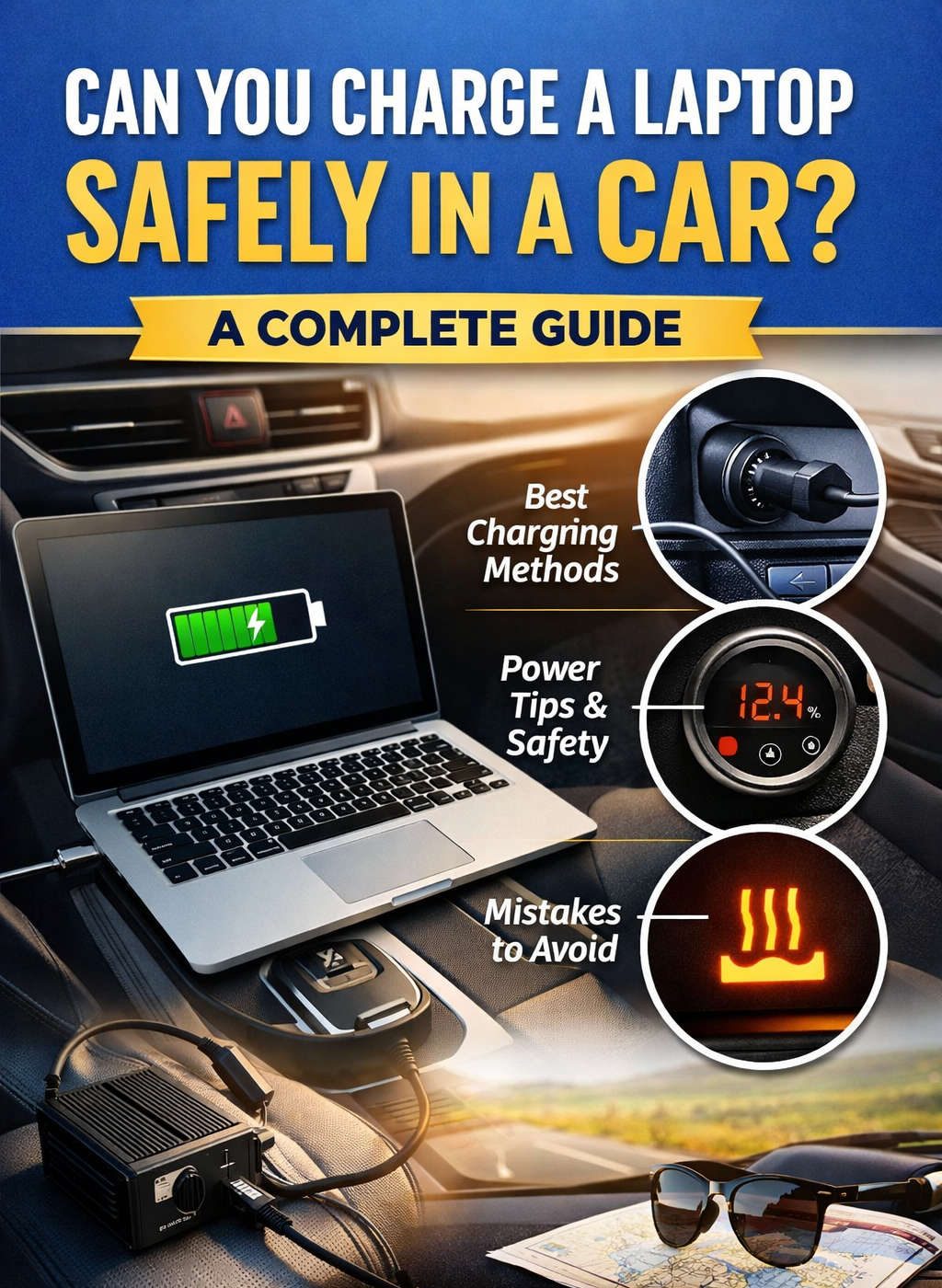
Laptops are no longer stationary devices tied to desks and wall outlets. For many people today—remote workers, students, digital nomads, travelers, and professionals—the laptop is a constant companion. As work and life become increasingly mobile, one question comes up again and again: Can you safely charge a laptop in a car?
The short answer is yes, you can. The longer and more important answer is that charging a laptop in a car is safe only if it’s done correctly. Without the right equipment or understanding of how car power systems work, you risk damaging your laptop, draining your car battery, or creating electrical issues.
This guide walks you through everything you need to know, in plain language, so you can confidently and safely charge your laptop in a car without guesswork.
Why People Need to Charge Laptops in Cars
Charging a laptop in a car has shifted from a niche need to a common requirement. Modern lifestyles demand flexibility, and vehicles often double as temporary offices or study spaces.
Some common scenarios include:
Remote workers taking calls or finishing tasks between meetings
Students working on assignments while commuting or traveling
Freelancers editing photos, videos, or documents on the road
Long-distance travelers using downtime productively
Emergency situations during power outages
Cars provide privacy, mobility, and downtime. It makes sense to use that time efficiently—but only if your devices are powered safely.
Understanding How Car Power Works
Before plugging in any charger, it’s essential to understand one basic fact: cars and laptops use very different types of power.
Cars run on 12-volt direct current (DC) power. Laptops, on the other hand, typically require higher voltages and very precise power delivery. Most laptop chargers are designed to convert household alternating current (AC) into the exact DC power your laptop needs.
This difference is why you cannot safely plug a standard laptop charger directly into a car’s power socket without some form of conversion or regulation.
Is It Actually Safe to Charge a Laptop in a Car?
Yes, it can be safe—but safety depends entirely on how you do it.
Charging becomes unsafe when:
- The charger does not match your laptop’s power requirements
- Low-quality adapters or inverters are used
- The car battery is drained excessively
- Heat buildup is ignored
- Electrical surges are not managed
When the correct equipment is used and basic precautions are followed, charging a laptop in a car is no more dangerous than charging it at home.
Different Ways to Charge a Laptop in a Car
There is no single method that works best for everyone. The right option depends on your laptop model, how much power it needs, and how often you plan to charge it in your vehicle.
USB-C Car Chargers (Power Delivery)
Many modern laptops support charging via USB-C using Power Delivery (PD). This has become one of the safest and most efficient options.
A USB-C PD car charger plugs into the car’s 12V socket and intelligently negotiates voltage and current with your laptop. This ensures the laptop receives only the power it can safely handle.
This option works especially well for:
- Ultrabooks
- Business laptops
- Lightweight laptops
- Newer MacBooks and Windows laptops
However, not all laptops support USB-C charging, and high-performance laptops may require more wattage than some car chargers can supply.
Dedicated Laptop Car Chargers
Some manufacturers and third-party companies produce laptop chargers designed specifically for car use. These chargers are built to convert 12V DC power directly into the voltage required by specific laptop models.
They are generally safe and efficient, provided you choose one that exactly matches your laptop’s specifications.
The downside is limited compatibility. These chargers are not universal and often work only with certain brands or models.
Power Inverters
A power inverter converts 12V DC from your car into standard AC power, allowing you to plug in your regular laptop charger just as you would at home.
This method works with almost all laptops, making it one of the most flexible options.
However, it also comes with drawbacks:
- Power loss during conversion
- Additional heat generation
- Increased strain on the car battery
- Higher risk if using low-quality inverters
For best results, high-quality inverters with built-in protections should always be used.
Choosing the Safest Charging Method for Your Laptop
The safest option is usually the one that involves the fewest power conversions.
USB-C Power Delivery chargers are generally the safest and most efficient for compatible laptops. Dedicated car chargers are also safe when matched correctly. Inverters should be considered a fallback solution rather than the first choice.
No matter which method you use, the most important factor is ensuring the charger can supply enough wattage without exceeding limits.
Understanding Wattage and Power Requirements
Every laptop has specific power requirements, typically measured in watts. Common ranges include:
Lightweight laptops: 30W to 45W
Standard laptops: 45W to 65W
High-performance laptops: 90W or more
If your charger provides less power than your laptop needs, charging may be slow or ineffective, and the laptop may continue draining its battery even while plugged in.
Providing significantly more power than required is generally safe, as laptops regulate intake—but only if the charger is properly designed.
Impact on Your Car Battery
One of the most overlooked risks is battery drain.
A car battery is designed primarily to start the engine, not to supply high continuous power for electronics. Charging a laptop, especially through an inverter, draws a noticeable amount of energy.
Engine Off vs Engine On
When the engine is off:
- Power comes directly from the battery
- Prolonged charging can drain the battery
- You risk being unable to start the car
When the engine is running:
- The alternator replenishes the battery
- Power delivery is more stable
- Risk of battery drain is reduced
For longer charging sessions, it is always safer to charge while the engine is running or to start the engine periodically.
Heat Management and Ventilation
Heat is another factor that can affect both safety and performance.
Laptops generate heat while charging, and power converters generate heat while operating. Inside a parked car, temperatures can rise quickly, especially in warm weather.
To reduce heat-related risks:
- Keep laptops on flat, hard surfaces
- Avoid placing them on seats or fabric
- Ensure ventilation vents are not blocked
- Avoid direct sunlight
- Never leave charging devices unattended in a closed vehicle
Overheating can reduce battery lifespan and, in extreme cases, cause component failure.
Electrical Surges and Power Stability
Car electrical systems are not perfectly stable. Voltage fluctuations can occur when:
- The engine starts
- Accessories turn on or off
- The alternator adjusts load
Poor-quality chargers may not handle these fluctuations well, potentially damaging sensitive laptop components.
High-quality chargers and inverters include built-in protections such as:
- Over-voltage protection
- Over-current protection
- Short-circuit protection
- Thermal shutdown
These features are not optional—they are essential.
Common Mistakes People Make
Many laptop charging problems come down to simple mistakes that are easy to avoid.
Using cheap, unbranded chargers
Assuming any USB port can charge a laptop
Leaving devices plugged in overnight with the engine off
Ignoring laptop overheating warnings
Overloading inverters with multiple devices
Avoiding these mistakes dramatically reduces risk.
Charging Laptops in Electric and Hybrid Vehicles
Electric and hybrid vehicles often offer more stable accessory power systems. Some models even include built-in AC outlets designed for electronics.
However, the same principles apply:
- Confirm power limits
- Ensure the vehicle is in the correct mode
- Monitor temperature and battery usage
Always consult your vehicle’s manual for accessory power behavior, especially in electric vehicles.
Does Charging in a Car Damage Laptop Batteries?
This is a common concern, but the answer is reassuring.
Modern laptops have sophisticated battery management systems. As long as the charger provides stable, appropriate power, charging in a car does not inherently damage the battery.
Battery wear is more affected by:
- Excessive heat
- Frequent deep discharge
- Poor-quality power sources
Using the right charger and managing heat are far more important than the location where charging occurs.
Practical Tips for Safe and Efficient Charging
If you want a quick checklist, here it is:
Confirm your laptop’s power requirements
Choose a charger that meets or exceeds those requirements
Prefer USB-C PD when supported
Use high-quality inverters if necessary
Avoid charging with the engine off for long periods
Monitor heat and ventilation
Unplug during engine start or shutdown if possible
Following these habits turns car charging into a reliable routine rather than a risk.
Is It Worth Charging a Laptop in a Car?
For most people, yes. Charging a laptop in a car can significantly increase productivity, flexibility, and convenience. With the right setup, your car becomes a mobile power station that supports modern work and travel needs.
The key is not improvisation, but preparation. Investing in proper charging equipment and understanding how your car’s power system works pays off in safety and peace of mind.
Final Thoughts
Charging a laptop safely in a car is not only possible—it’s practical and increasingly common. The risks often associated with it stem not from the act itself, but from poor equipment choices and lack of understanding.
When you use quality chargers, respect power limits, manage heat, and stay mindful of your car battery, charging your laptop in a car becomes just another normal part of a mobile lifestyle.
With the information in this guide, you can make informed decisions, protect your devices, and stay productive wherever the road takes you.
Discover more from Auto Volt Tech
Subscribe to get the latest posts sent to your email.

