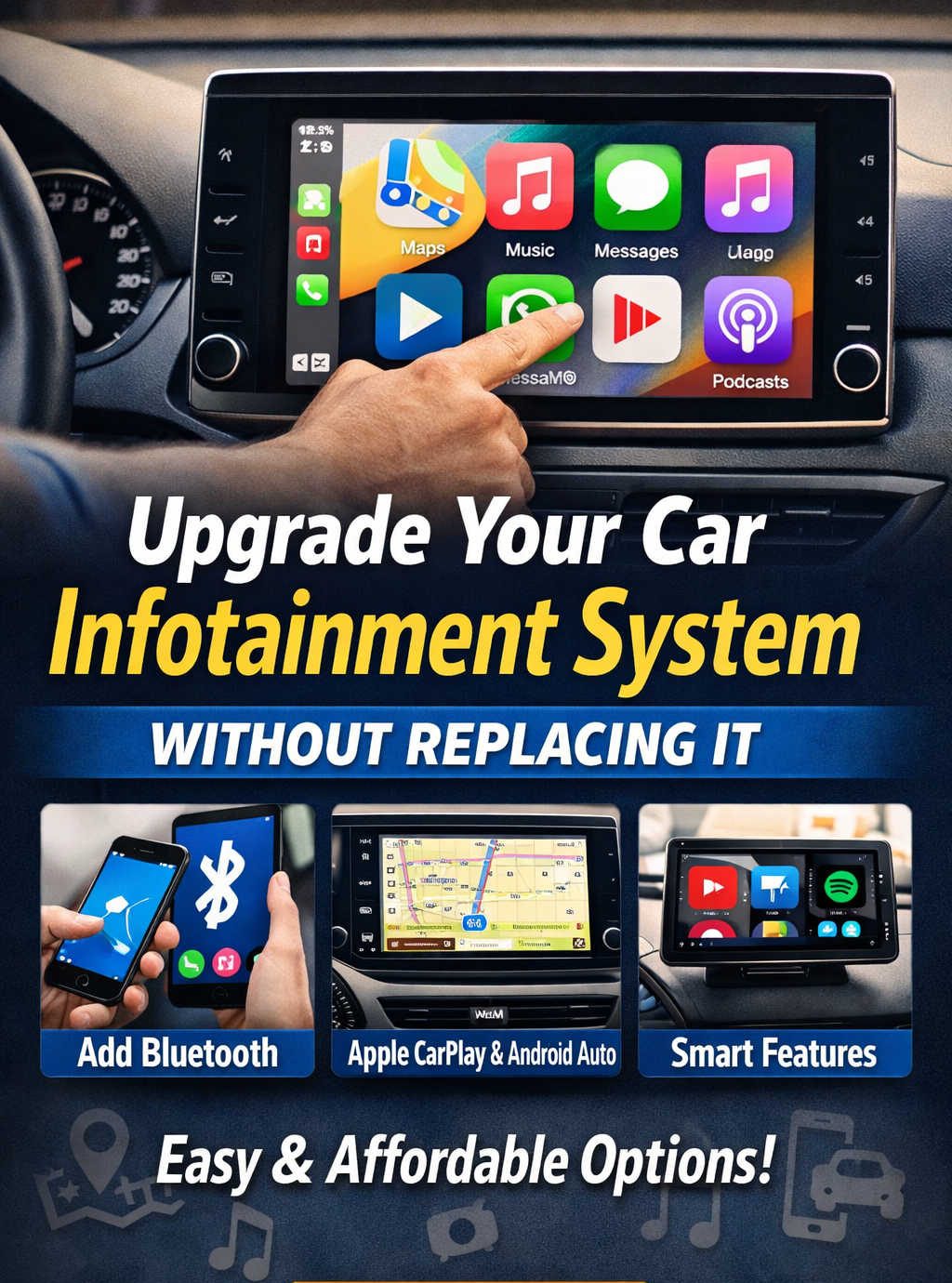
Car technology evolves much faster than most vehicles themselves. You might love your car’s performance, comfort, and reliability — yet still feel frustrated every time you connect your phone, try to stream music, or use navigation on an outdated infotainment system.
The good news is that upgrading your in-car technology no longer requires replacing the factory head unit. In fact, many modern solutions let you add features like Bluetooth streaming, smartphone mirroring, wireless connectivity, and navigation while keeping your original dashboard intact.
This guide explains practical and effective ways to modernize your infotainment setup without replacing it. Whether you’re driving an older car or simply looking to enhance your current system, you’ll learn about available upgrade options, installation considerations, and how to choose the best approach for your needs.
Why Upgrade Instead of Replace the Factory System
Before diving into upgrade methods, it’s worth understanding why many drivers choose enhancement rather than replacement.
Preserving Vehicle Integration
Factory infotainment systems are often tied into steering-wheel controls, parking sensors, backup cameras, and even vehicle settings. Replacing the unit can disrupt these integrations or require extra adapters.
Saving Money
Full head-unit replacement involves hardware cost, dash kits, wiring harnesses, and possibly professional installation. Add-on upgrades are typically more affordable.
Maintaining Interior Design
Car dashboards are carefully designed around original screens. Keeping the factory unit preserves the aesthetic and avoids fitment issues.
Reducing Installation Complexity
Many upgrade solutions require minimal tools or technical expertise compared to replacing a head unit.
For many drivers, these factors make non-replacement upgrades the most practical route.
Understanding the Upgrade Options
There isn’t a single solution for every vehicle. Instead, upgrades generally fall into several categories:
- Bluetooth and audio connectivity additions
- Smartphone mirroring modules
- Wireless adapters
- Portable display systems
- Software unlocks or updates
- Advanced hidden hardware retrofits
Each method offers different benefits, costs, and levels of integration. Let’s explore them in detail.
Adding Bluetooth Connectivity
Why This Matters
Many older vehicles lack built-in Bluetooth or only support phone calls without audio streaming. Adding Bluetooth is one of the simplest upgrades and dramatically improves convenience.
Common Solutions
Hardwired Bluetooth Modules
These devices connect directly behind the head unit or through existing audio ports. They enable wireless music streaming and hands-free calling.
Benefits
- Stable connection
- Better audio quality
- Permanent integration
Things to Consider
- Requires accessing the radio wiring
- May involve microphone installation
- Slightly more technical setup
Plug-In Bluetooth Adapters
These adapters connect through AUX or power sockets.
Benefits
- Extremely easy installation
- Low cost
- Portable
Trade-offs
- Lower audio quality compared to wired modules
- Visible cables or hardware
Who This Upgrade Is For
Drivers who mainly want wireless music and call support without advanced app features.
Enabling Smartphone Mirroring (CarPlay / Android Auto)
What This Upgrade Provides
Smartphone mirroring allows your car display to show:
- Turn-by-turn navigation
- Messaging and calls
- Music apps
- Voice assistants
- Podcast or audiobook playback
This dramatically modernizes the driving experience.
How Retrofit Modules Work
Integration modules connect to the vehicle’s infotainment system behind the dashboard and enable mirroring on the factory screen.
Many kits are designed for specific car models and retain use of steering controls and original interfaces.
Advantages
- Keeps factory display
- Seamless user experience
- Adds major functionality
Installation Factors
- Moderate complexity
- Compatibility must be verified
- Professional installation recommended for some vehicles
Best Use Case
Drivers who want full smartphone integration but prefer not to replace their factory screen.
Using Wireless Adapters and Smart Interface Boxes
Overview
These compact devices plug into your car’s USB port and extend infotainment functionality. Some convert wired smartphone connections into wireless ones, while others add app support or enhanced features.
What They Can Do
Depending on the device:
- Enable wireless phone mirroring
- Allow additional apps
- Improve connection convenience
- Provide expanded media options
Pros
- Simple setup
- No vehicle modification
- Easy removal
Cons
- Limited system integration
- Performance varies by device
- Requires compatible factory features
Best For
Drivers who already have smartphone mirroring but want wireless convenience or expanded capability.
Installing Portable Infotainment Displays
What Are Portable Displays
These are standalone screens mounted on the dashboard or windshield. They connect to your phone wirelessly and route audio through the car speakers.
Features Typically Included
- Navigation
- Smartphone mirroring
- Music streaming
- Voice assistant integration
Why They’re Popular
- Compatible with almost any vehicle
- No installation required
- Can move between cars
Limitations
- Takes dashboard space
- Less visually integrated
- Requires external power
Best Use Case
Renters, multi-vehicle households, or drivers wanting zero permanent modification.
Unlocking Features Through Software Updates
Hidden Capability Activation
Some vehicles contain hardware that already supports advanced features — they just aren’t enabled.
Possible upgrades include:
- Smartphone mirroring activation
- Bluetooth expansion
- Interface enhancements
How It’s Done
- Dealer service tools
- Specialist diagnostic equipment
- Licensed feature activation
Advantages
- No added hardware
- Fully integrated experience
- Cleanest solution
Limitations
- Vehicle-specific
- Not always available
- May involve service costs
Ideal Scenario
Owners of newer vehicles with dormant features accessible through coding or updates.
Advanced Hidden Hardware Retrofits
What This Means
This is the most sophisticated non-replacement upgrade. Modules installed behind the factory screen expand system capability dramatically.
Potential Enhancements
- Built-in navigation
- Internet connectivity
- Expanded media support
- Voice interaction
- Camera integration
Benefits
- Near-factory appearance
- Extensive functionality
- Strong system integration
Downsides
- Higher cost
- Complex installation
- Compatibility requirements
Best For
Drivers seeking deep modernization without changing the dashboard.
Choosing the Right Upgrade Path
Selecting the best option depends on your priorities. Consider the following:
Your Primary Goal
- Audio streaming → Bluetooth solution
- App integration → Mirroring module
- Wireless convenience → Adapter
- Universal compatibility → Portable display
- OEM-level improvement → Software unlock or retrofit
Budget Range
Basic adapters cost little, while advanced integrations require larger investment.
Installation Comfort Level
Some upgrades are plug-and-play. Others require dashboard removal or technical knowledge.
Vehicle Compatibility
Always confirm support before purchasing hardware.
Installation Planning Tips
Verify Fitment and Compatibility
Check:
- Vehicle model support
- Connector types
- Display limitations
- Power availability
Plan Cable Routing
Keep wiring tidy and avoid heat sources.
Protect Safety
Minimize distraction from screens and apps while driving.
Test Before Final Assembly
Confirm functionality prior to reassembling panels.
Future Trends in Infotainment Upgrades
The automotive tech ecosystem is shifting rapidly. Expected developments include:
- Increased wireless functionality
- Greater voice assistant integration
- AI-enhanced driving interfaces
- Portable display improvements
- Subscription-based feature unlocking
These trends indicate that flexible upgrade solutions will remain relevant even as vehicles become more connected.
Final Thoughts
Upgrading your car infotainment system no longer requires removing the factory hardware. Today’s solutions allow drivers to add modern features in ways that suit their technical comfort level, budget, and desired integration depth.
Whether you choose a simple Bluetooth enhancement, a smartphone mirroring module, or a fully integrated retrofit, each option can significantly improve convenience, safety, and enjoyment behind the wheel.
By understanding available technologies and planning carefully, you can transform your vehicle’s digital experience while preserving its original design — gaining modern capability without unnecessary expense or complexity.
Discover more from Auto Volt Tech
Subscribe to get the latest posts sent to your email.

