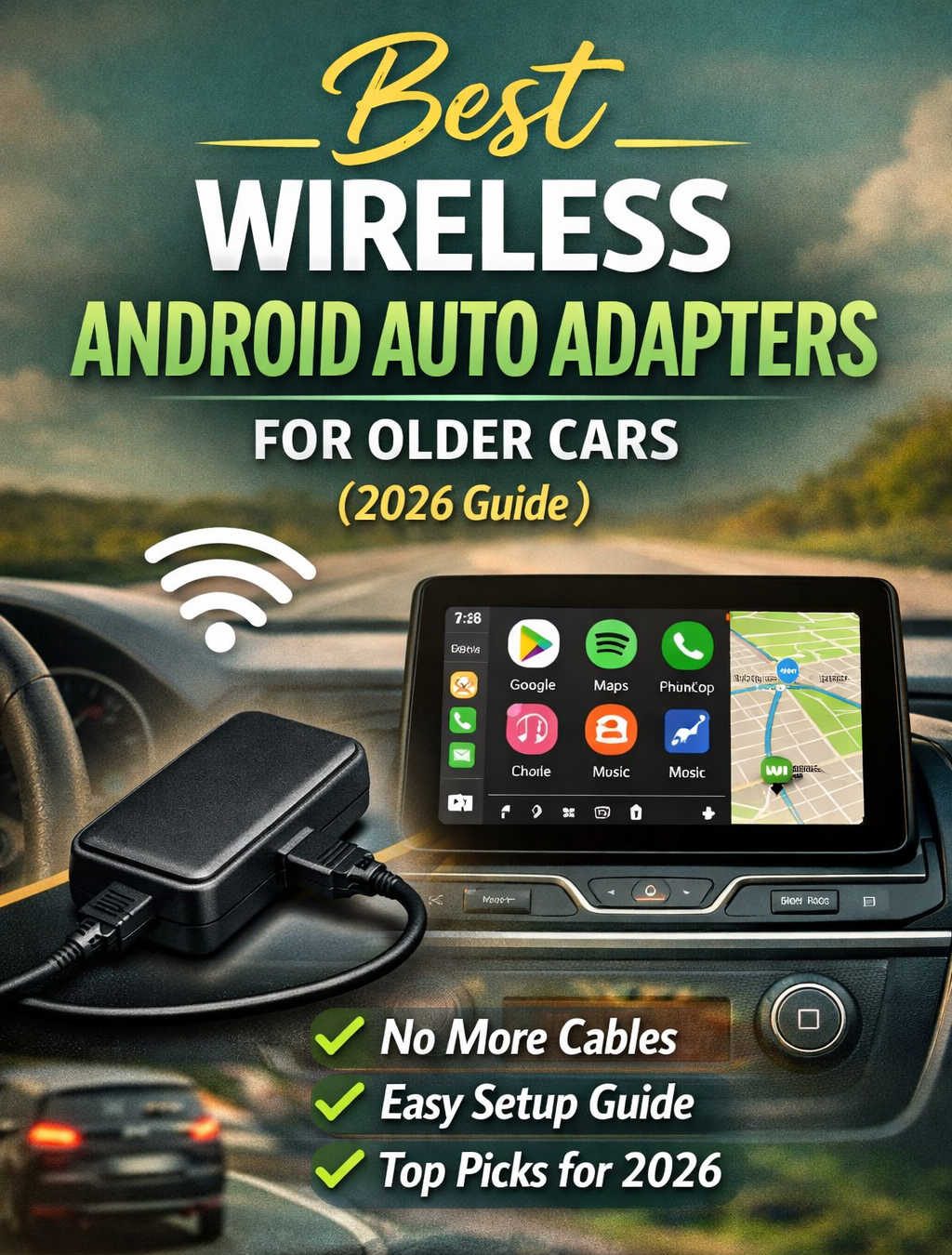
Older vehicles often come with wired Android Auto support, which works well but can feel inconvenient in daily use. Plugging in your phone every time you start the car becomes tedious—especially on short trips or frequent stops. Wireless Android Auto adapters solve this problem by converting your existing wired Android Auto system into a wireless one without replacing the entire infotainment unit.
These small devices plug into your car’s USB port and create a wireless bridge between your smartphone and your vehicle’s infotainment system. Once connected, Android Auto launches automatically whenever you start the car, giving you instant access to navigation, music, calls, and messaging apps without using a cable.
This guide explains how wireless Android Auto adapters work, what features to consider before buying one, and the best adapters available for older cars. It is designed to help drivers make an informed choice while improving convenience, connectivity, and safety on the road.
Understanding Wireless Android Auto Adapters
A wireless Android Auto adapter is a compact dongle that connects to the USB port used for Android Auto in your car. It essentially acts as a translator between your phone and your car’s infotainment system.
Normally, Android Auto requires a USB cable to transfer data between your phone and the car display. Wireless adapters replicate this connection using Bluetooth and Wi-Fi. Bluetooth handles the initial pairing, while Wi-Fi manages high-speed data transmission for apps like Google Maps, Spotify, and messaging services.
Once the initial setup is completed, the connection process becomes automatic. When you start your vehicle, the adapter powers on, detects your phone, and launches Android Auto on the car’s display within seconds.
Why Wireless Android Auto Is Useful for Older Cars
Vehicles produced in the late 2010s and early 2020s often support Android Auto but only through a wired connection. Upgrading the entire head unit to a wireless-capable system can be expensive and complicated.
A wireless adapter provides a much simpler solution.
Convenience in Daily Driving
Wireless adapters eliminate the need to plug in your phone each time you enter the car. The connection happens automatically, allowing you to focus on driving rather than managing cables.
Reduced Wear on Charging Ports
Repeatedly plugging and unplugging cables can wear out your phone’s charging port over time. Wireless connectivity minimizes this risk.
Cleaner Dashboard Setup
Without a cable hanging from the console, your car’s interior stays more organized and less cluttered.
Faster Startups During Short Trips
For people who frequently make short trips—such as errands or school runs—automatic connection saves time and effort.
How Wireless Android Auto Adapters Work
Although these adapters appear simple, they rely on a combination of networking technologies to replicate the wired Android Auto experience.
USB Emulation
When plugged into your car’s USB port, the adapter presents itself as a standard Android Auto device. The car’s infotainment system believes a phone is connected via cable.
Bluetooth Pairing
The first connection between your phone and the adapter happens through Bluetooth. This establishes the relationship between the two devices.
Wi-Fi Data Transfer
After the initial pairing, the adapter creates a dedicated Wi-Fi network for communication. This wireless link transfers navigation data, media streams, and voice commands between your phone and the infotainment system.
Wi-Fi ensures fast response times and smooth performance, similar to a wired connection.
Key Features to Consider Before Buying an Adapter
Not every wireless Android Auto adapter performs the same way. Some models connect faster, support more devices, or provide better stability.
Understanding the following factors will help you choose the right adapter for your car.
Compatibility With Your Vehicle
Adapters only work if your car already supports wired Android Auto. They cannot add Android Auto to vehicles that lack the feature entirely.
Checking your car’s infotainment system compatibility is the first step before purchasing an adapter.
Connection Speed
Startup time varies between devices. Faster adapters typically reconnect within 10 to 20 seconds after the car starts.
Slower models may take up to a minute.
Wireless Stability
A stable connection is essential for uninterrupted navigation and music playback. Adapters using 5 GHz Wi-Fi usually offer stronger and more reliable performance than those using older wireless standards.
Firmware Updates
Adapters that receive regular firmware updates tend to remain compatible with newer Android versions and vehicle systems.
Multi-Phone Support
Some adapters allow multiple phones to pair with the device. This is useful for families or couples who share the same car.
Size and Design
Compact adapters are easier to hide inside the dashboard or center console, keeping your vehicle’s interior neat.
Best Wireless Android Auto Adapters for Older Cars
The following adapters consistently perform well in terms of reliability, connection speed, and compatibility with older vehicles.
AAWireless Android Auto Wireless Adapter
The AAWireless adapter is widely considered one of the most reliable solutions for converting wired Android Auto into a wireless system.
It was originally developed through a successful crowdfunding campaign and has since built a strong reputation among Android Auto users.
One of its standout features is a dedicated companion app that allows users to adjust connection settings, update firmware, and troubleshoot compatibility issues.
Key advantages include strong connection stability, frequent software updates, and excellent compatibility with many vehicle brands. Drivers who want a customizable and dependable wireless Android Auto experience often choose this adapter.
The main drawback is that it can be slightly more expensive than basic alternatives, but many users find the reliability worth the extra cost.
Motorola MA1 Wireless Android Auto Adapter
The Motorola MA1 is one of the most well-known wireless Android Auto adapters available today. It offers a simple plug-and-play setup designed for users who want minimal configuration.
After connecting the adapter and pairing your phone, the system automatically reconnects whenever you start the car.
This adapter uses modern Bluetooth and 5 GHz Wi-Fi technology, which allows for stable performance and relatively quick startup times.
Its straightforward design makes it particularly appealing to drivers who prefer simplicity rather than customizable features.
The main limitation is the lack of advanced settings compared with more configurable adapters, but for most users the ease of use outweighs this drawback.
CarlinKit 5.0 Wireless Adapter
CarlinKit is a well-known brand in the smartphone-to-car connectivity market. The CarlinKit 5.0 adapter stands out because it supports both Android Auto and Apple CarPlay.
This makes it a practical choice for households where different family members use different types of smartphones.
The adapter includes both USB-A and USB-C cables, allowing it to work with a wider range of vehicles. It also uses a high-speed wireless connection to maintain smooth app performance and navigation accuracy.
Connection times are slightly slower than some dedicated Android Auto adapters, but the flexibility of supporting two ecosystems makes it a versatile option.
Ottocast U2-AIR Pro Wireless Adapter
The Ottocast U2-AIR Pro is designed with performance and reliability in mind. Many drivers choose this adapter because it offers fast connection speeds and stable operation during long drives.
Its compact design allows it to fit neatly inside the dashboard area, reducing visible clutter. The adapter also reconnects automatically once paired, making daily driving more convenient.
Drivers who rely heavily on navigation apps or music streaming often appreciate the stable wireless signal provided by this adapter.
While it may cost slightly more than entry-level adapters, its consistent performance makes it a strong choice for frequent Android Auto users.
SupraBox X5 Ultra Wireless Adapter
The SupraBox X5 Ultra focuses on compatibility with older infotainment systems that sometimes struggle with wireless connectivity.
This adapter includes a special compatibility mode designed to work with vehicles that have older firmware or slower processing hardware.
It also features improved heat management, which can help maintain stable performance during long trips or in warm climates.
Although it lacks some advanced customization features found in other adapters, it remains a dependable option for drivers with older vehicles.
How to Install a Wireless Android Auto Adapter
Most wireless Android Auto adapters are designed to be installed in just a few minutes.
The general process is straightforward:
Start the vehicle and locate the USB port used for Android Auto. Plug the adapter into that port. Enable Bluetooth on your smartphone and pair it with the adapter when prompted. Once the pairing process is complete, Android Auto will appear on the infotainment screen.
After the first setup, the system reconnects automatically each time you start the car.
Some adapters also allow configuration through a companion mobile app, where you can adjust settings or install firmware updates.
Compatibility Requirements
Before purchasing a wireless adapter, it is important to confirm that your devices meet the necessary requirements.
Your vehicle must support wired Android Auto. If the infotainment system does not have Android Auto capability at all, the adapter will not work.
Your smartphone should run a relatively recent version of Android that supports wireless Android Auto. Most modern Android phones meet this requirement.
The car’s USB port must also supply sufficient power to operate the adapter. In some vehicles, USB ports turn off when the car is shut down, which may slightly affect startup times.
Common Problems and How to Fix Them
Although wireless Android Auto adapters are generally reliable, occasional issues can occur.
Connection Drops
If the connection drops frequently, ensure that the adapter is positioned away from interference sources such as other wireless devices or metal obstructions.
Switching Wi-Fi channels in the adapter settings can sometimes improve stability.
Slow Startup Time
Disable battery optimization for the Android Auto app on your phone. This allows the system to launch faster when the adapter reconnects.
Adapter Not Recognized
If the infotainment system does not detect the adapter, restart both the phone and the car’s infotainment system. Updating the adapter firmware may also resolve compatibility problems.
Benefits of Using Wireless Android Auto
Wireless Android Auto can significantly improve the everyday driving experience.
Navigation apps launch automatically, making it easy to start a trip without handling your phone. Music streaming services and podcasts begin playing as soon as the connection is established. Voice commands through Google Assistant allow drivers to send messages, make calls, or find destinations without touching the screen.
These features help reduce distractions and keep drivers focused on the road.
Another advantage is flexibility. Without a cable attached, your phone can stay in your pocket, bag, or wireless charging pad instead of being tethered to the dashboard.
Are Wireless Android Auto Adapters Worth Buying?
For drivers who regularly use Android Auto, a wireless adapter can make the system far more convenient.
Replacing an entire infotainment system is often expensive and unnecessary when a small adapter can provide similar functionality.
Most adapters cost far less than upgrading the head unit, yet they provide automatic connections, cleaner interiors, and easier access to smartphone apps.
For older vehicles that already support wired Android Auto, the upgrade is usually well worth it.
Frequently Asked Questions
Do wireless Android Auto adapters work with every car?
No. The car must already support wired Android Auto. The adapter only converts the connection from wired to wireless.
Do these adapters charge the phone?
Wireless adapters do not charge the phone because the connection is wireless. If charging is needed, you can place the phone on a wireless charging pad or use a separate cable.
How long does it take to connect?
Most adapters reconnect within 10 to 30 seconds after the vehicle starts.
Will wireless Android Auto drain my phone battery?
Wireless connections can consume slightly more battery than wired connections. However, the difference is usually small for typical driving sessions.
Can multiple phones connect to the same adapter?
Many adapters allow multiple devices to pair with them. Usually the adapter connects automatically to the most recently used phone.
Is wireless Android Auto as stable as a wired connection?
Modern adapters using 5 GHz Wi-Fi provide performance that is very close to a wired connection. In most situations, navigation and media playback run smoothly without noticeable delays.
Final Thoughts
Wireless Android Auto adapters provide an easy way to modernize older vehicles without replacing the infotainment system. By converting a wired connection into a wireless one, these small devices offer a more convenient and clutter-free driving experience.
Among the most reliable options available today are the AAWireless adapter, Motorola MA1, CarlinKit 5.0, Ottocast U2-AIR Pro, and SupraBox X5 Ultra. Each offers slightly different strengths, from simplicity and compatibility to performance and multi-platform support.
Choosing the right adapter ultimately depends on your vehicle, smartphone, and personal preferences. However, for most drivers who rely on Android Auto for navigation, music, and communication, upgrading to a wireless adapter is a simple improvement that makes daily driving more comfortable and efficient.
Discover more from Auto Volt Tech
Subscribe to get the latest posts sent to your email.

