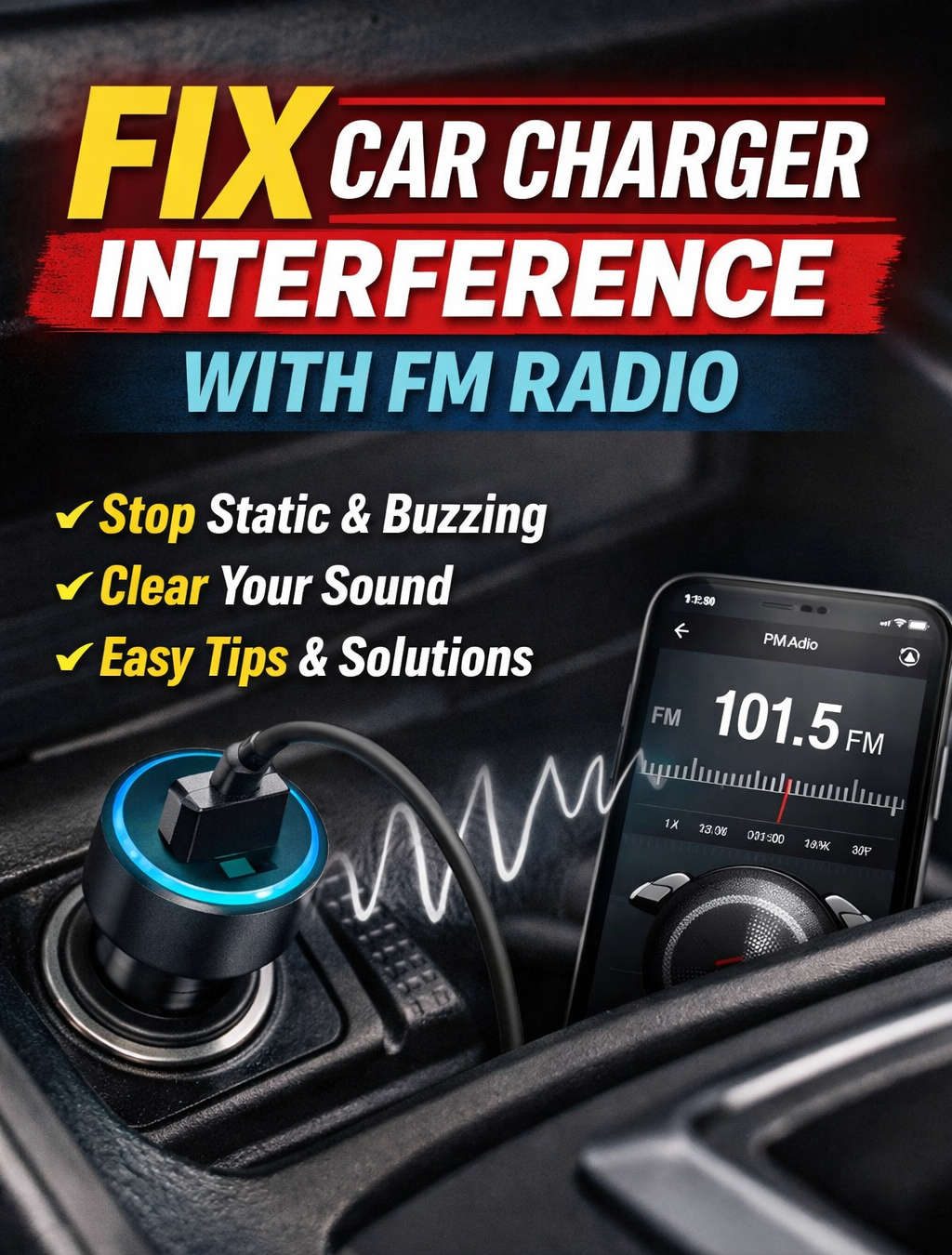
There’s nothing more frustrating than turning on your favorite FM radio station while driving, only to be met with static, buzzing, or a pulsing interference that seems to come out of nowhere. Many drivers don’t realize that a simple car charger plugged into a USB or 12V port could be the culprit. This interference is not just an annoyance; it’s a common problem in modern vehicles with multiple electronic devices. Understanding how it happens and learning effective ways to fix it can transform your driving experience.
Car chargers are designed to provide a steady voltage to power or charge devices like smartphones, GPS units, or tablets. However, not all chargers are created equal. Some cheap or poorly designed chargers can emit unwanted electromagnetic signals that interfere with your car’s FM radio reception. Unlike digital music streaming through Bluetooth or USB, FM radio operates on analog signals that are highly sensitive to electrical noise. Even minor fluctuations from a charger or a cable running too close to the antenna can create audible static or buzzing in your speakers.
This problem might seem technical, but it’s entirely solvable. By understanding the causes of interference, recognizing the types of noise it produces, and applying practical solutions, you can enjoy clear radio reception even while charging multiple devices.
Why Car Chargers Interfere with FM Radio
FM radio signals occupy a frequency range between 88 and 108 MHz. Your car radio is designed to pick up these relatively weak signals from distant broadcast towers. While the antenna captures the desired station, it can also pick up strong, nearby sources of electrical noise. A car charger, especially one with poor design, can act as a source of high-frequency electromagnetic noise.
Most modern chargers use switch-mode power supply technology to efficiently convert the car’s 12V power to the voltage your device needs. While this design is energy-efficient, it also produces high-frequency electrical signals that can leak into your car’s wiring and act like an unintentional antenna. The result is interference that your radio picks up as static, buzzing, or even total signal loss.
Other factors that contribute to interference include poor shielding, loose wiring, inadequate grounding, and the harmonics generated by multiple electronic devices operating simultaneously. Even if your charger is plugged into a properly functioning port, the cable itself can act as a miniature antenna, radiating noise into the nearby circuits and the car’s FM antenna.
Recognizing the Different Types of Interference
Understanding the kind of interference you are dealing with is essential for applying the right solution. Car charger interference can manifest in several ways:
- Static or crackling sounds: This is the most common form of interference, often continuous or appearing in bursts.
- Pulsing or buzzing that changes with the engine speed: This usually indicates a combination of charger noise and electrical fluctuations from the alternator.
- Complete loss of signal: Sometimes interference is so strong that the radio can’t lock onto a station.
- Noise only when certain devices are plugged in: This points directly to the charger or the device being powered.
- Noise that changes when cables are moved: This is a clear sign that wiring or positioning is amplifying interference.
By identifying the pattern and circumstances of interference, you can pinpoint whether the problem comes from the charger, the car’s wiring, or a combination of both.
Diagnosing the Problem
Before attempting any fixes, it’s important to confirm that the charger is the source of interference. This can be done through a few simple tests:
- Baseline Test: Turn on your car radio and tune to a clear station without any chargers plugged in. Note the quality of the signal.
- Charger Test: Plug in your charger and observe if the noise appears. If it does, the charger is likely the source.
- Swap Chargers: Try a different, high-quality charger to see if the noise persists. If the new charger doesn’t produce interference, you’ve identified the cause.
- Change Ports: Some cars have multiple USB or 12V ports. Plug the charger into a different port to see if the interference decreases.
- Engine State Variation: Test with the engine on and off, as electrical load variations from the alternator can exacerbate interference.
These simple diagnostic steps will help you understand whether the issue is coming from the charger itself, the port, or another electrical component in your vehicle.
Practical Solutions to Reduce Interference
Once you’ve identified that a car charger is causing interference, there are several effective ways to fix the problem. Some are as simple as replacing a cheap charger, while others involve slightly more technical adjustments.
Use High-Quality Chargers
The first and simplest step is to ensure that your charger is of high quality. Certified chargers that meet electromagnetic compatibility (EMC) standards are less likely to emit interference. Look for chargers with built-in EMI filters, high-quality components, and proper shielding. Brand-name chargers from reputable manufacturers are generally more reliable than inexpensive, no-name products.
High-quality chargers not only reduce interference but also provide better charging performance, ensuring your devices are powered safely and efficiently.
Add Ferrite Beads or EMI Filters
Ferrite beads are small, donut-shaped components that can be clipped around charging cables to absorb high-frequency electromagnetic noise. They are widely used in electronics to reduce interference.
For car chargers, placing a ferrite bead near the USB plug or at the charger end can dramatically reduce radio noise. Additionally, inline EMI filters designed for automotive 12V circuits can help suppress conducted noise, providing a cleaner electrical environment for both your devices and your radio.
Optimize Cable Placement
The way you route your cables inside the car can significantly impact interference levels. Avoid running charging cables alongside or parallel to your radio antenna wires, as they can act like antennas themselves, radiating noise into your FM receiver. Keep cables as short as possible, and route them along the vehicle’s metal body where possible to reduce radiation.
Even small adjustments, such as moving a cable a few inches away from the dashboard or antenna, can reduce or eliminate buzzing and static.
Improve Grounding
Poor grounding is a major contributor to radio interference. Ensure that your charger and the device share a solid ground reference with the car’s chassis. If you’re using an adapter in the cigarette lighter port, check that it has good contact with the metal surface. In some cases, adding a dedicated ground strap or improving existing connections can dramatically reduce interference.
Shield Chargers and Components
If interference persists despite using a high-quality charger, additional shielding may be necessary. Shielding involves enclosing the charger or cable in a conductive material, such as copper or aluminum foil, to prevent electromagnetic emissions from escaping. Make sure the shielding is properly grounded to the car chassis, and avoid covering vents or heat-dissipation areas that could cause the charger to overheat.
Upgrade Your Radio or Head Unit
Older car radios are more susceptible to interference. Modern head units often include better internal shielding and digital signal processing, which improves their ability to reject unwanted signals. If you’re constantly struggling with interference despite applying all other fixes, upgrading your head unit may be the most effective long-term solution.
Choose Clearer FM Frequencies or Alternative Audio Sources
Sometimes interference is unavoidable due to weak or distant radio signals. In these cases, moving to a less congested FM frequency can improve clarity. Alternatively, using digital audio sources such as Bluetooth, USB, or internet streaming bypasses the FM receiver entirely, eliminating interference from car chargers.
Advanced Solutions for Persistent Interference
For stubborn cases, more technical approaches may be necessary. Automotive electricians can install inline EMI filters directly in the 12V circuit or assess the vehicle’s wiring for grounding issues. They may also measure electromagnetic emissions with specialized tools to pinpoint sources of noise.
Other advanced solutions include using shielded cables, replacing certain electrical components, or adding additional filtering to the vehicle’s power system. While these measures require professional expertise, they can solve interference problems that simpler fixes cannot address.
Testing and Validating Your Fixes
After applying any solution, it’s important to test whether the interference has been resolved. Tune to stations that were previously affected, plug in your charger, and monitor the audio quality. Try different ports, cables, and device loads to ensure that your fix is consistent under real-world conditions.
For those interested in a more technical approach, using a spectrum analyzer can help visualize interference and confirm that high-frequency noise has been reduced. Documenting your results before and after each change can help you identify which solutions were most effective.
Preventing Future Interference
Once you’ve solved the problem, there are steps you can take to prevent it from recurring:
- Always use certified, high-quality chargers.
- Avoid cheap, unshielded adapters.
- Inspect cables regularly for damage or wear.
- Keep antennas clean and properly mounted.
- Minimize the use of long, tangled cables near the dashboard or antenna.
- Consider using digital audio solutions when possible.
By taking these preventive measures, you can enjoy clear radio reception and reliable device charging without interference.
Common Scenarios and Solutions
To make this guide more practical, here are some common scenarios and how to address them:
- Static only when charging a phone: Replace the charger with a certified low-noise model, add a ferrite bead to the USB cable, and reroute it away from the antenna.
- Buzzing that changes with engine speed: Improve grounding, add an inline EMI filter, or use a higher-quality charger with better noise suppression.
- Noise on multiple stations: This suggests broad-spectrum emissions. Consider shielding the charger, upgrading cables, or installing a professional EMI filter.
- Noise only with specific cables: Use shielded USB cables and ensure proper routing to minimize radiation.
These examples demonstrate that the right solution depends on the specific nature of the interference and the equipment involved.
Conclusion
Car charger interference with FM radio is a common problem that can disrupt your driving experience, but it is entirely solvable. By understanding the causes of interference, recognizing the types of noise, and applying practical solutions such as high-quality chargers, ferrite beads, proper cable placement, improved grounding, and shielding, you can restore clear radio reception.
For persistent or complex issues, professional solutions such as inline filters or upgraded head units may be necessary. By taking a proactive approach and using quality components, you can enjoy both reliable device charging and uninterrupted FM radio, making every drive more enjoyable and stress-free.
The key is to combine careful diagnosis, practical fixes, and preventive measures. With the right approach, your car’s audio system can remain clean, clear, and interference-free, even when powering multiple devices at once.
Discover more from Auto Volt Tech
Subscribe to get the latest posts sent to your email.

